Part 3 of the XC Track Tips and Tricks series. This time featuring the new version, XC Track 1.0.0-beta, and the XC Track Layout Editor.
XC Track 1.0.0-beta
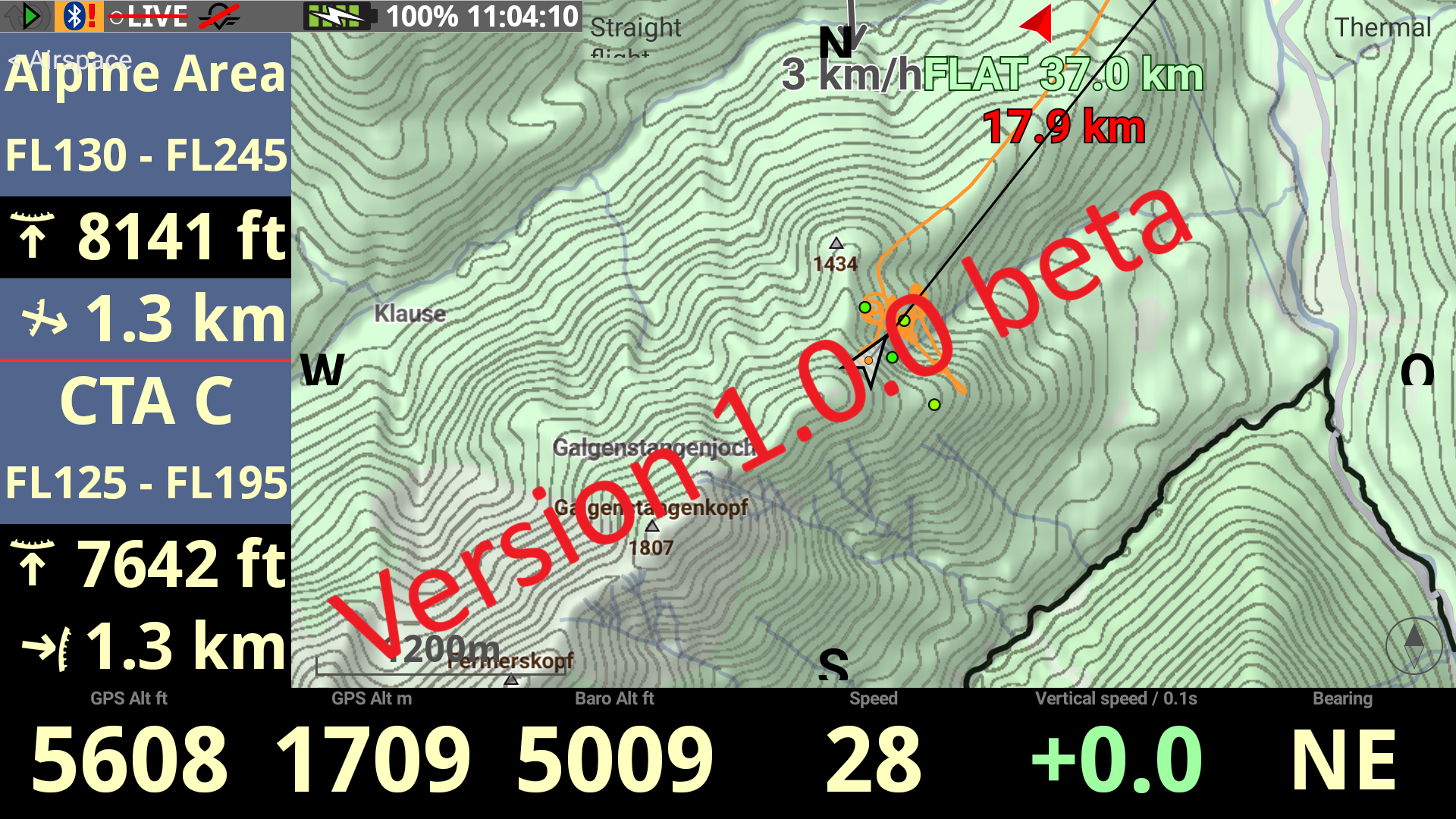
Version 1.0.0-beta has recently become available for download, featuring a host of new features. Although it is still in beta, the app already seems to be running smoothly; I certainly didn’t encounter any problems even after using it for several hours. Only a selection of these is listed below; a full list of changes can be viewed here. The Air3 user guide has already been updated. However, some of the new features are exclusive to the Pro version.
Watchlist
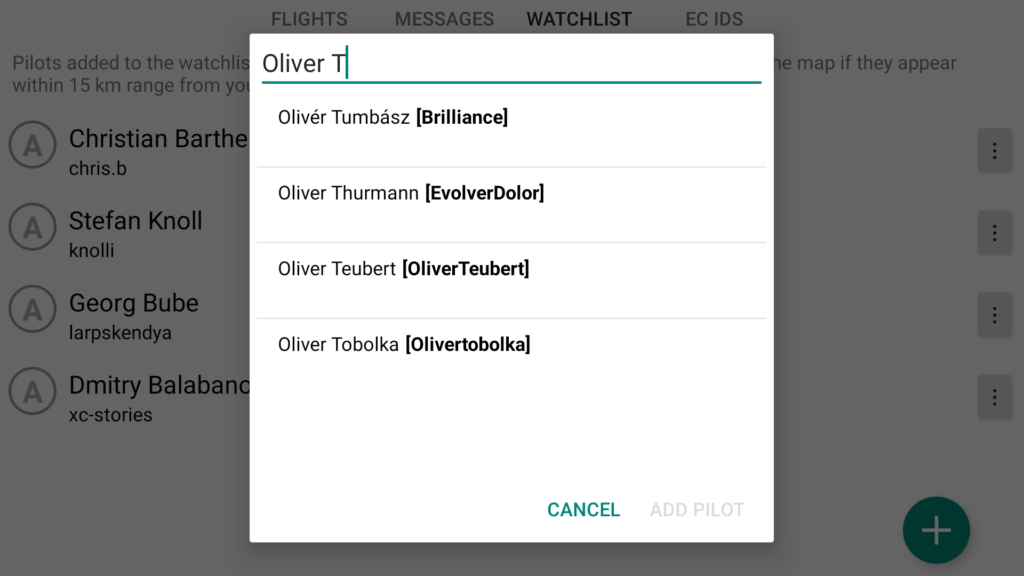
Up until now, you had to keep selecting the pilots you wanted to track during a flight. With the new version, you can set up a permanent watchlist.
Pilots you have added to your watchlist are automatically tracked, and their flight path is displayed on the map, provided they are within a 15 km radius of your location.
Waypoints / XC Navigation
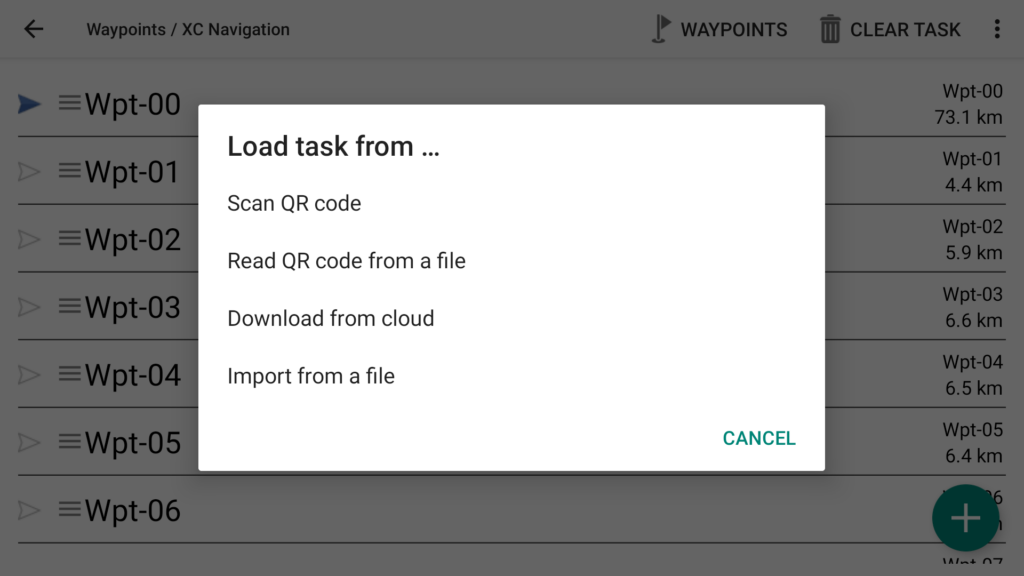
I usually create my waypoints in ThermiXC, export them from there and import them into XC Track as .xctsk files. Previously, these had to be converted from ‘Competition Task’ to ‘Waypoints’. That is no longer necessary; the imported route is displayed directly with waypoints.
External data display widget
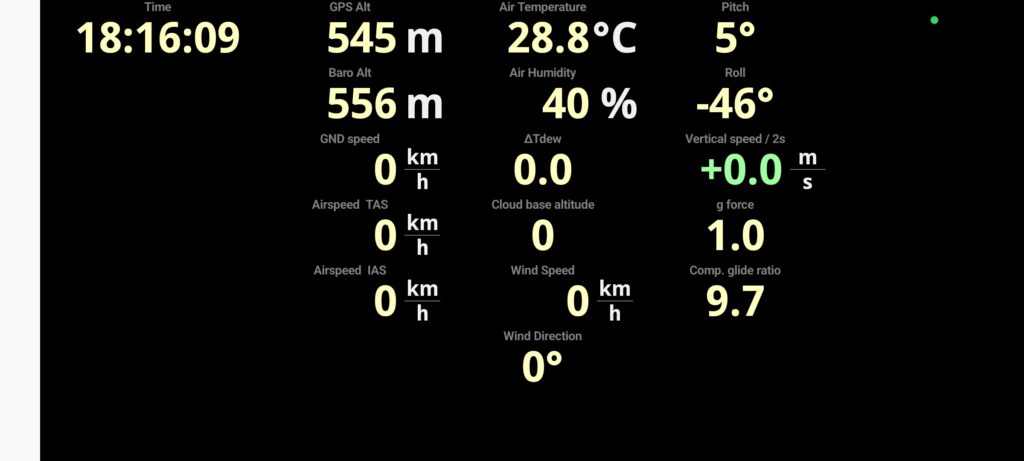
The option to display external data was also available in the older version. I’ve been flying with the Vector Vario for some time now, and I use the widget to display all sorts of data provided by the Vario.
XC Track Layout Editor
We’ve all been there, haven’t we? You want to quickly test a new configuration in XC Track, but the smartphone with XC Track installed isn’t to hand. As an alternative to an Android simulator such as Memu, Laurent offers an editor that runs directly in a browser.
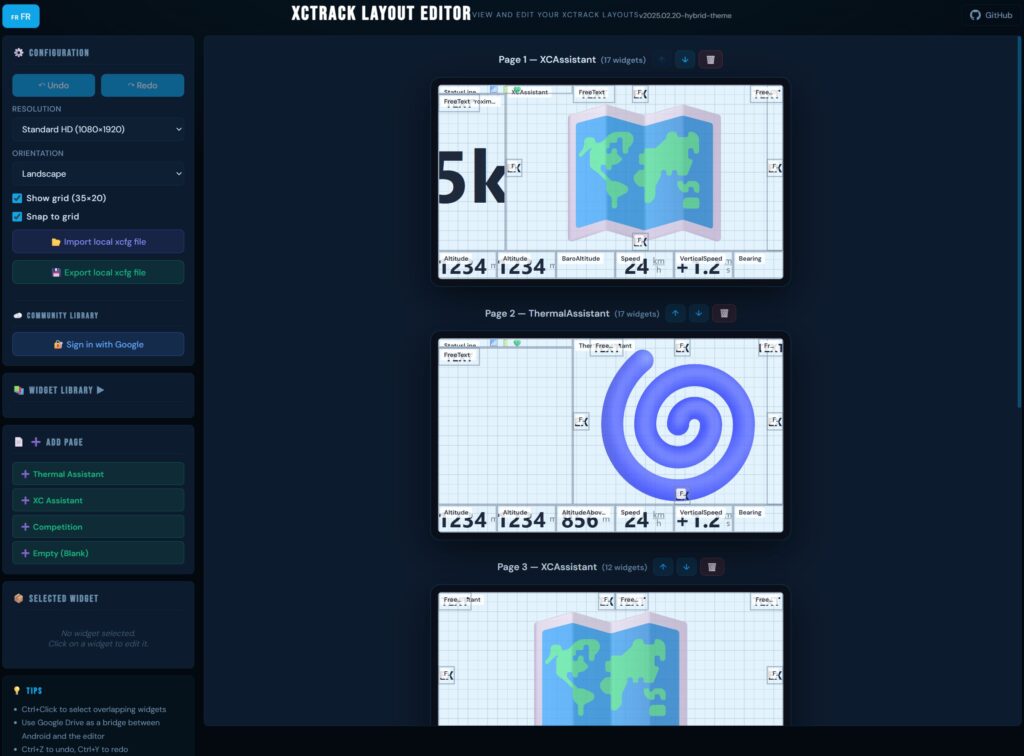
After going to the URL https://fidozbox-dev.github.io/XCTrackLayoutEditor/ and clicking on ‘Launch Editor’, you can either load an existing configuration or start with a blank layout.
On the left-hand side, there are various settings available, including different page layouts (e.g. the Thermal Assistant), which can also be selected within the app. Only two resolutions can be selected (max. 1080 × 2400). Unfortunately, the layout of the widgets is different from that in the app; this may have changed since the last update to XC Track. The developer has tested it with Edge, Opera and Chrome. I have tested it with Firefox and have not encountered any problems so far.
There is still plenty of scope for further development: the settings in the widgets cannot be changed; a whole range of important widgets, such as ‘Bearing’ or ‘Flight Level’, are missing; and some of the text has not been translated from French into English.